SavEdge for companies

Rewards your team will actually use.

Give points and meal allowances your people spend at local cafés, shops and 200+ gift card brands — and see exactly what lands.

Colleagues at lunch, paying with SavEdge meal points

Send points

3 people
PersonGiftMeal
Riya Shah1,000500
Aman Patel750500
Neha Joshi1,000—
Diwali bonus0 pts

From sign-up to smiles in three steps.

  1. 1

    Add your people

    One by one or from a spreadsheet. They sign in to the SavEdge app with the mobile number you added.

  2. 2

    Send points

    Gift and meal points per person in one sheet, with a reason they’ll see. Or let celebrations send them for you.

  3. 3

    They spend, you see

    Your people save at partner shops and on gift cards. Insights show who joined and what they saved.

Everything HR needs. Nothing it doesn’t.

One place to reward, celebrate and talk to your people — built to be done in minutes.

  • Send points in one sheet

    Type gift and meal points per person, add a reason, send. Done in a minute, not a day.

  • Meal allowances

    Meal points can only be spent at food and drink places, so an allowance stays an allowance.

  • Celebrations on autopilot

    Birthdays and work anniversaries rewarded on the day — set the rule once.

  • Announcements that land

    Start from a template, reach everyone on their phone, and see who opened and redeemed.

  • Insights you can act on

    Who has joined, what they saved, and which rewards they actually use — by team.

  • Invoices and statements

    Everything finance needs, ready to download from the portal.

To them, it’s just a great app.

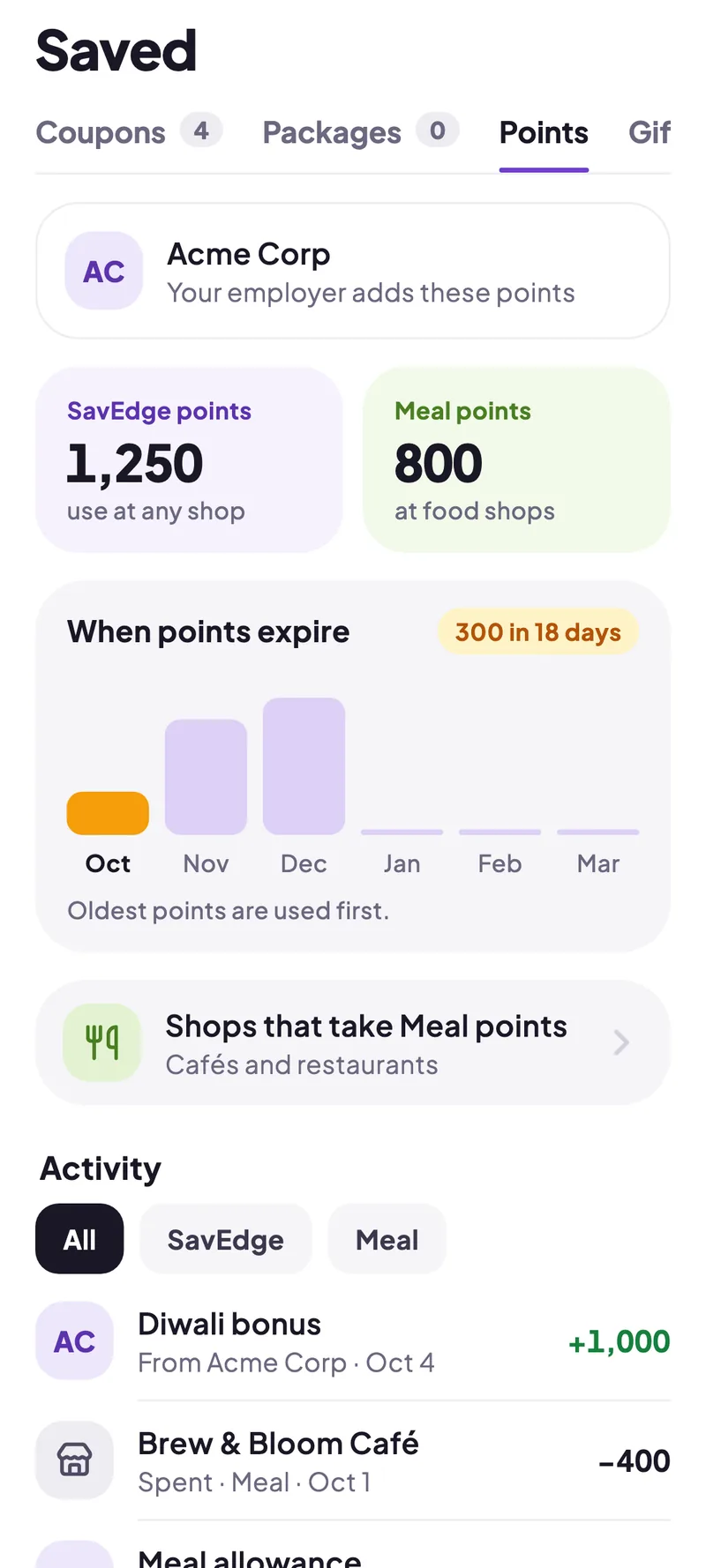
Rewards land in their SavEdge wallet, ready to spend at partner shops nearby or on gift cards from brands they love.

  • Gift points and meal points, clearly separated
  • Pay part or all of a bill with points
  • Reminders before any points expire
Points from an employer in the SavEdge wallet

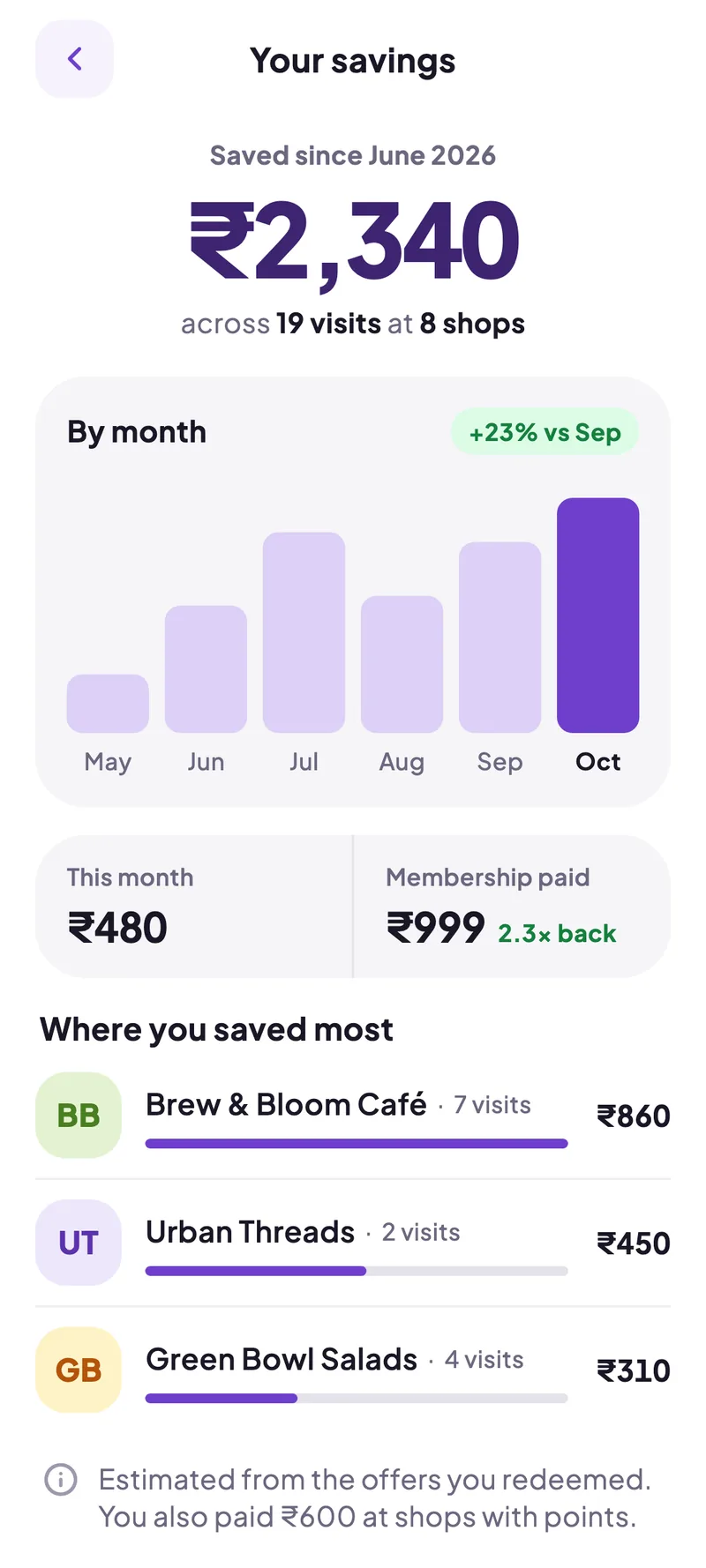
And every rupee they save, counted.

Members see what they saved at each visit — so your rewards keep getting noticed, long after payday.

  • Savings by month and by shop
  • Offers at local cafés, salons and gyms
  • Gift cards from 200+ brands
A member’s savings in SavEdge

Questions from HR teams.

Can’t find what you need? Write to us.

  • You add them in the company portal — one by one or from a spreadsheet. They download the SavEdge app and sign in with the mobile number you added; their points are waiting for them.

Let’s set up rewards for your team.

Tell us about your company and we’ll show you the portal with your own numbers.